Build the Catamaran Configurator
In this tutorial you build a complete configurator for a 20 metre catamaran, the way a merchant builds one for their own product. You start with one file and finish with a product page where a shopper picks the size, the finishes and the equipment, sees the boat change, and pays the right price.
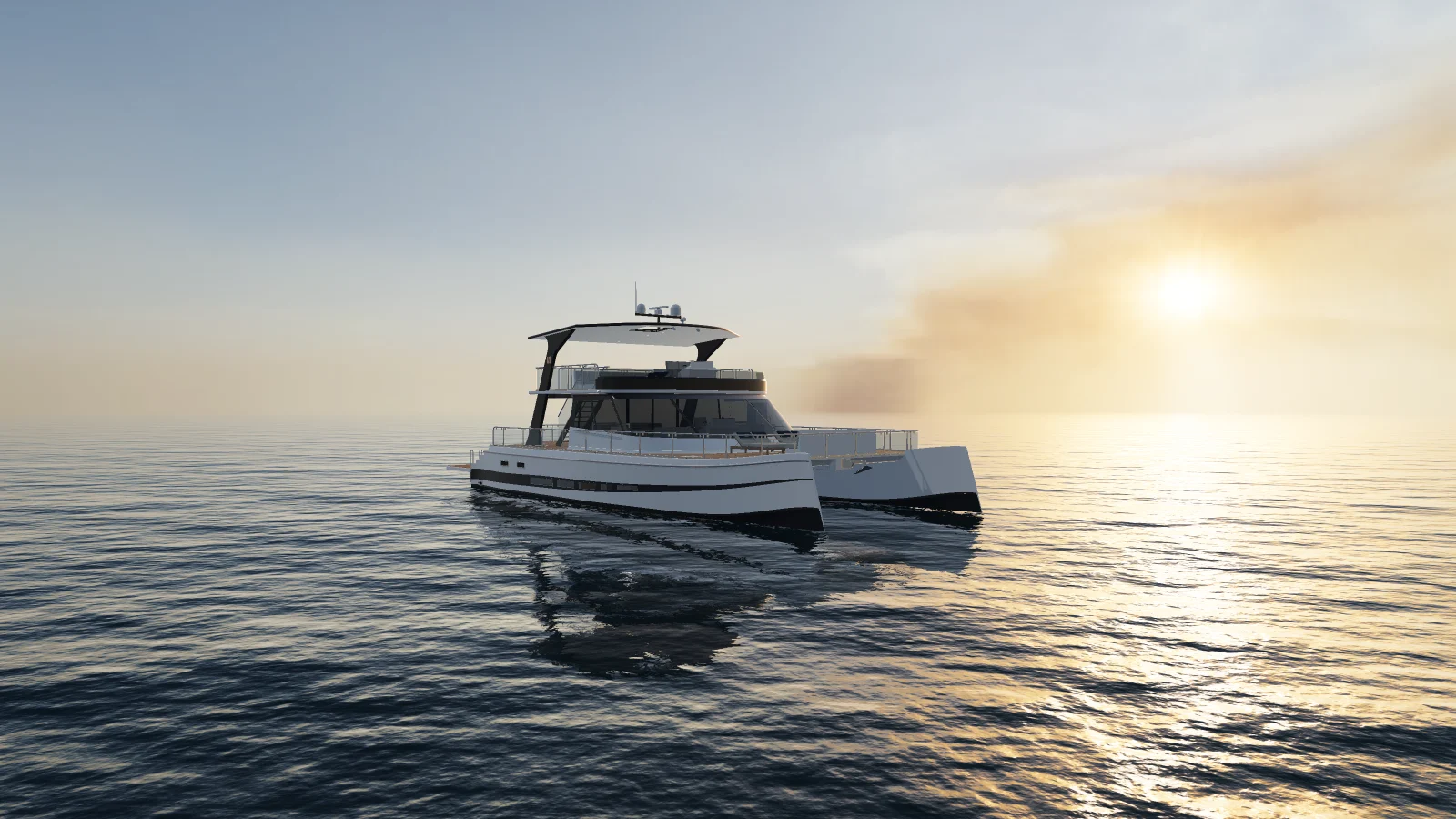
Every step has a picture, and every picture comes from the same steps you follow. Each chapter starts from where the last one ended and has a file you can load, so you can begin at any chapter. A chapter's file fetches its boats and pictures from bitbybit.dev, which suits learning. On a real product, upload your own files to Assets.
The chapters
| Chapter | What you add | Plan it needs |
|---|---|---|
| Load the boat | The model, and a look at what is inside it | Base |
| The surroundings | Sky, sunlight, water and the opening view | Base |
| Finishes | A deck choice from the file's variants, and colour collections set in Composer | Base |
| Options and rules | Helms, sun beds, the tender and a rule between two options | Base |
| Three sizes | The 15 m and 25 m boats, a Length control and loading on demand | Base |
| The panel | Cards, swatches and pills, sections, a theme and a phone layout | Base |
| Show it off | Scene and interior choices, a camera that follows them, measurements and a name on the hull | Base for the choices, Standard for the camera and the measurements, Pro for the name |
| Price it | A base price, option charges, a total in the panel and a card in the cart, with linked products, parts and a PDF | Base for the prices, the card and the picture on the order, Pro for linked products, parts and the PDF |
| Publish it | The checks, the save and the publish, then the product page and the first order | Base |
What you need
- 3D Bits installed, with a plan chosen, in your Shopify store or in a development store to practise in. Install 3D Bits walks through it. If you have not built a configurator before, Your First Configurator takes one product from a file to its product page, and this tutorial goes deeper from there. 3D on your storefront is switched on once per store, and Publish it shows where.
- The boats and pictures, in one file. It holds
catamaran-20m.glb,catamaran-15m.glbandcatamaran-25m.glb, the pictures for the option cards, and the licence. Each boat is an ordinary GLB with materials, material variants and named parts, so everything here works the same with your own model.
Using the boat
The boat is a sample for learning 3D Bits, made by Bitbybit in the Designer, our parametric CAD modeller. How it was designed is on our blog. You may follow this tutorial with it, test with it in a development store and share it with credit, under CC BY-NC 4.0. You may not use it commercially, and the Bitbybit logo on it is not part of that licence.
Verified against the product in November 2026