Installing 3D Bits App
The easiest way to install the 3D Bits app on your Shopify store is through the Shopify App Store.
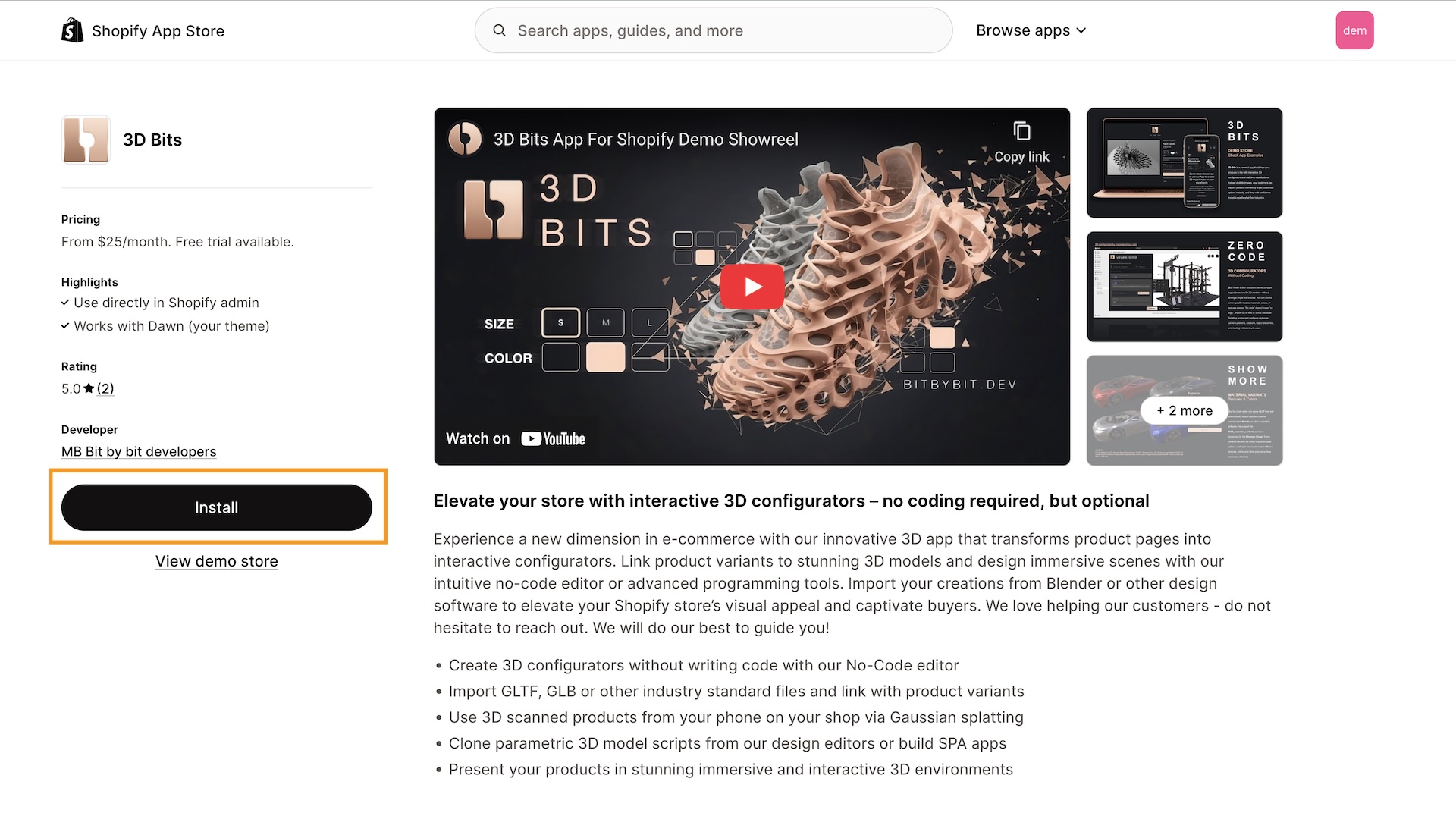
Installation Steps
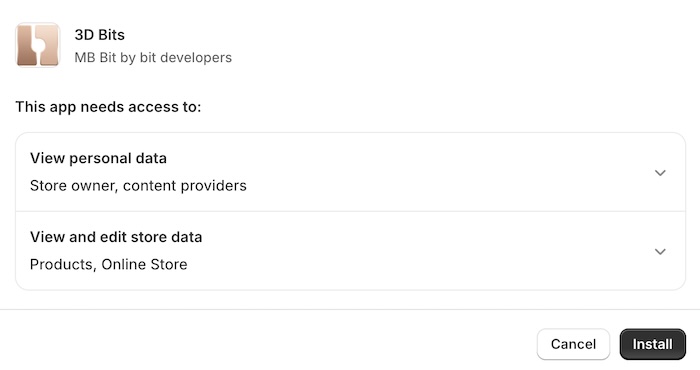
1. Approve Permissions
After clicking install, you'll be asked to approve permissions for the app to access your store.
2. Select a Subscription Plan
Next, choose one of our subscription plans: Base, Standard, or Pro. Note that prices are subject to change. Read more about subscription plans
3. Approve Subscription Charge
After selecting your plan, you'll need to approve the subscription charge in Shopify.
4. Installation Complete
Once approved, your trial period will begin and you'll be redirected to the 3D Bits admin dashboard.
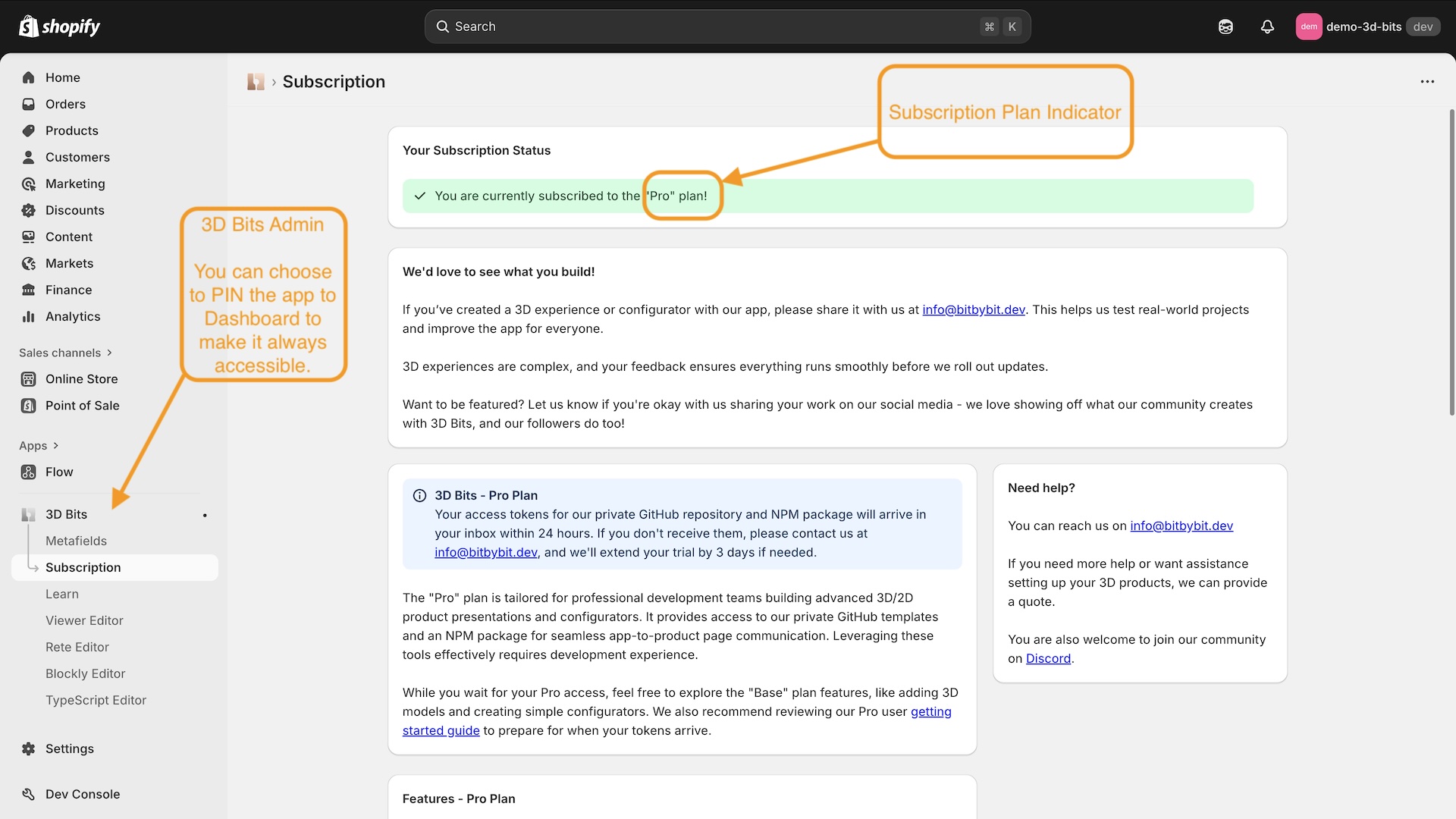
You're now ready to start setting-up 3D Bits app for your Shopify store!