UPDATED BITBYBIT RUNNERS: Now with ThreeJS Support & New Lite Versions!


Our Bitbybit Runners allow you to easily include Bitbybit.dev's powerful 3D CAD and computational geometry capabilities into your own websites via a single UMD JavaScript file. In our latest release, we're excited to introduce a completely new runner specifically for the ThreeJS game engine!
This article has been updated to include information about our new PlayCanvas Runner! PlayCanvas is now the third officially supported game engine for Bitbybit Runners, joining BabylonJS and ThreeJS. All the concepts about Lite versions and runner architecture described below now apply to PlayCanvas as well. Read the full PlayCanvas announcement here.
Furthermore, we've developed new Lite versions of the runners for both ThreeJS and BabylonJS (and now PlayCanvas!). These Lite versions allow you to load the respective game engines separately if you're already including them in your project, significantly reducing bundle sizes. Learn more about these exciting updates in this blog post.
Brief History of the Runner
The Bitbybit Runner is a single JavaScript file you can include in your website. It bundles all the open-source components of the Bitbybit.dev platform, such as our CAD kernels (OCCT, JSCAD) and various 3D algorithms. These tools are designed to simplify the development of parametric 3D experiences, model configurators, and other geometry-intensive web applications.
About six months ago, we introduced the first version of the bitbybit-runner, which was fully based on the BabylonJS game engine. This version remains incredibly powerful and popular. The runner can execute Bitbybit.dev algorithms directly through JavaScript. Additionally, we added a feature that allows users to export scripts created in our visual editors (Rete, Blockly) and run them seamlessly on any browser-based coding environment (like StackBlitz, CodePen, or JSFiddle) as well as on their own websites.
If you're unfamiliar with how the runner works or want a refresher, be sure to check out our original introduction article: ➡️ Introducing BITBYBIT-RUNNER.JS
New and Improved Runners: Enter ThreeJS! (And Later, PlayCanvas!)
Recently, we announced official support for the ThreeJS game engine via new NPM packages. Shortly after, we received requests from the community for a dedicated runner specifically for ThreeJS. Based on your valuable feedback, we are thrilled to announce the release of a new Bitbybit Runner for ThreeJS!
Update 2026: Following the same principles, we've now also released a PlayCanvas Runner, bringing the total number of supported game engines to three!
This new runner follows the same core principles as the BabylonJS version but is specifically designed and optimized to work with ThreeJS. Like the original, it’s a single JavaScript file you can add to your website. The runner automatically loads all necessary resources, including web workers, CAD kernels, and other dependencies required to run your Bitbybit.dev scripts within a ThreeJS environment.
While developing the ThreeJS runner, we also realized that many projects already include ThreeJS (or BabylonJS) as a dependency in their existing build setups. To avoid the redundancy of loading the entire game engine again from the runner’s bundled JavaScript file, we addressed this with a new, more flexible solution.
Introducing "Lite" Versions of the Runners
We've created Lite versions of our runners for BabylonJS, ThreeJS, and PlayCanvas. These versions allow you to load the respective game engines separately if they are already part of your project, thus reducing redundancy and improving load times.
The Lite bundles are significantly smaller because they do not include the game engine dependencies themselves. Instead, they expect the game engine (BabylonJS, ThreeJS, or PlayCanvas) to be available in the global scope (e.g., on the window object).
If your project already loads one of these game engines via a script tag, NPM import, or another method, using the Lite version of the corresponding Bitbybit Runner will prevent duplicate loading of the engine, making your website faster and more efficient.
ThreeJS Runners: Examples in Action
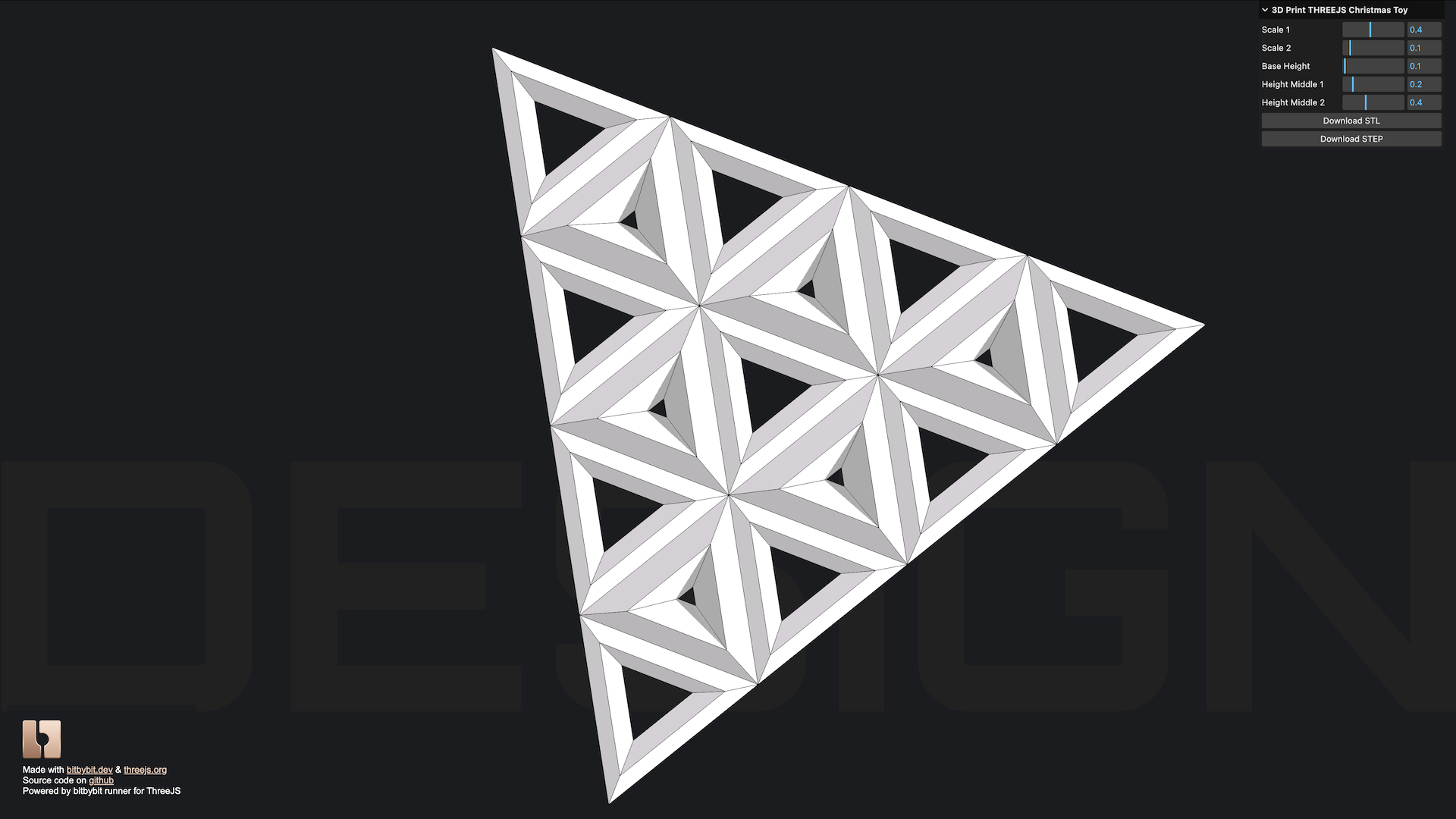
The project accessible through the links below introduces the core functionality of the ThreeJS runner. It's a 3D model configurator designed to create a customizable ThreeJS logo with user-defined triangular configurations, perfectly suited for 3D printing. You could even print it to decorate your Christmas tree!
We offer the code on various third-party coding platforms, all of which support the execution of Bitbybit.dev code via the runner:
- Live Demo: 3D Printable ThreeJS Logo Configurator
- StackBlitz Example: ThreeJS Runner on StackBlitz
- CodePen Example: ThreeJS Runner on CodePen
- JSFiddle Example: ThreeJS Runner on JSFiddle
- GitHub Source Code: View Source on GitHub
More Screenshots of the ThreeJS Runner Demo:
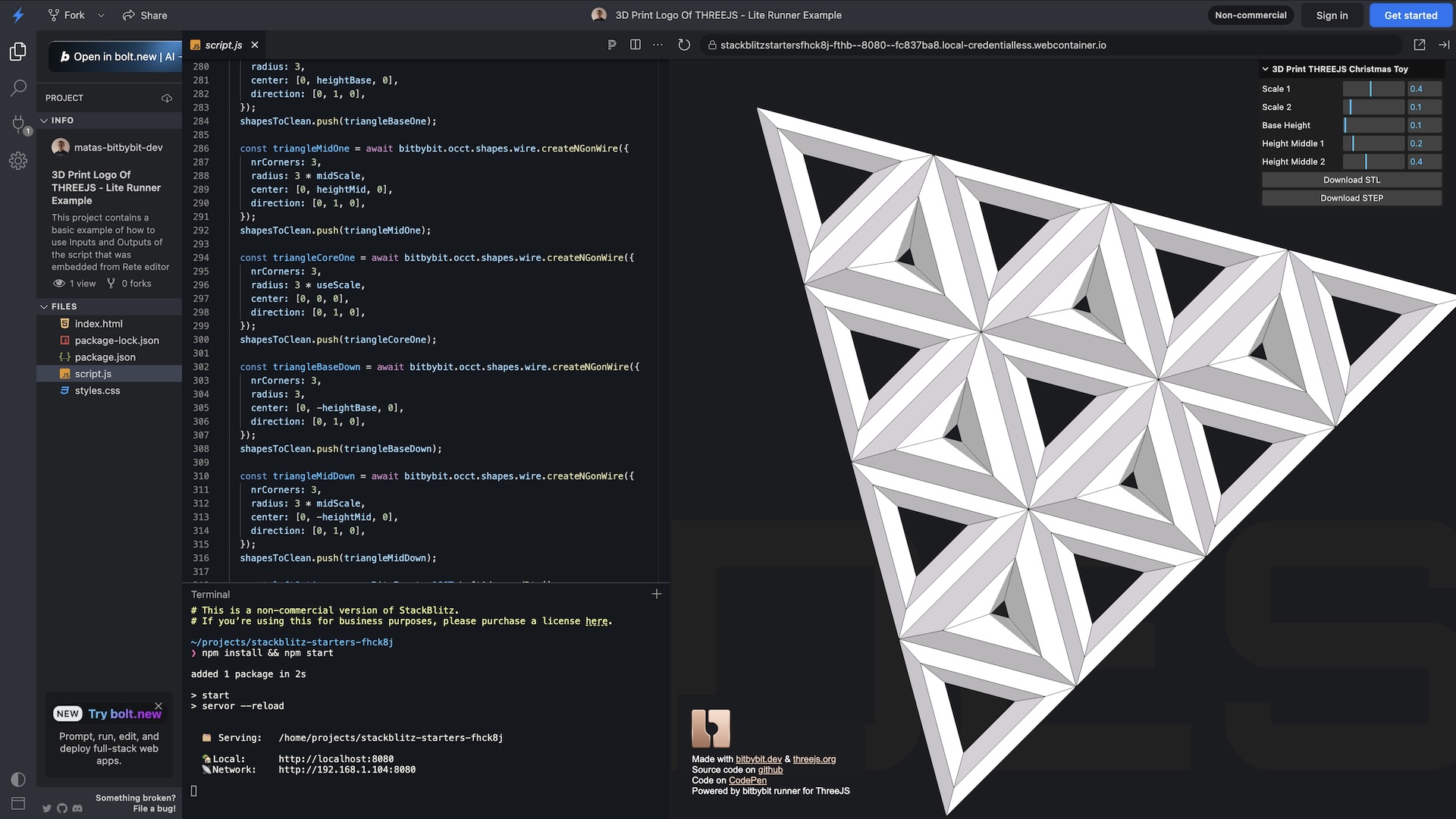 ThreeJS Runner on StackBlitz
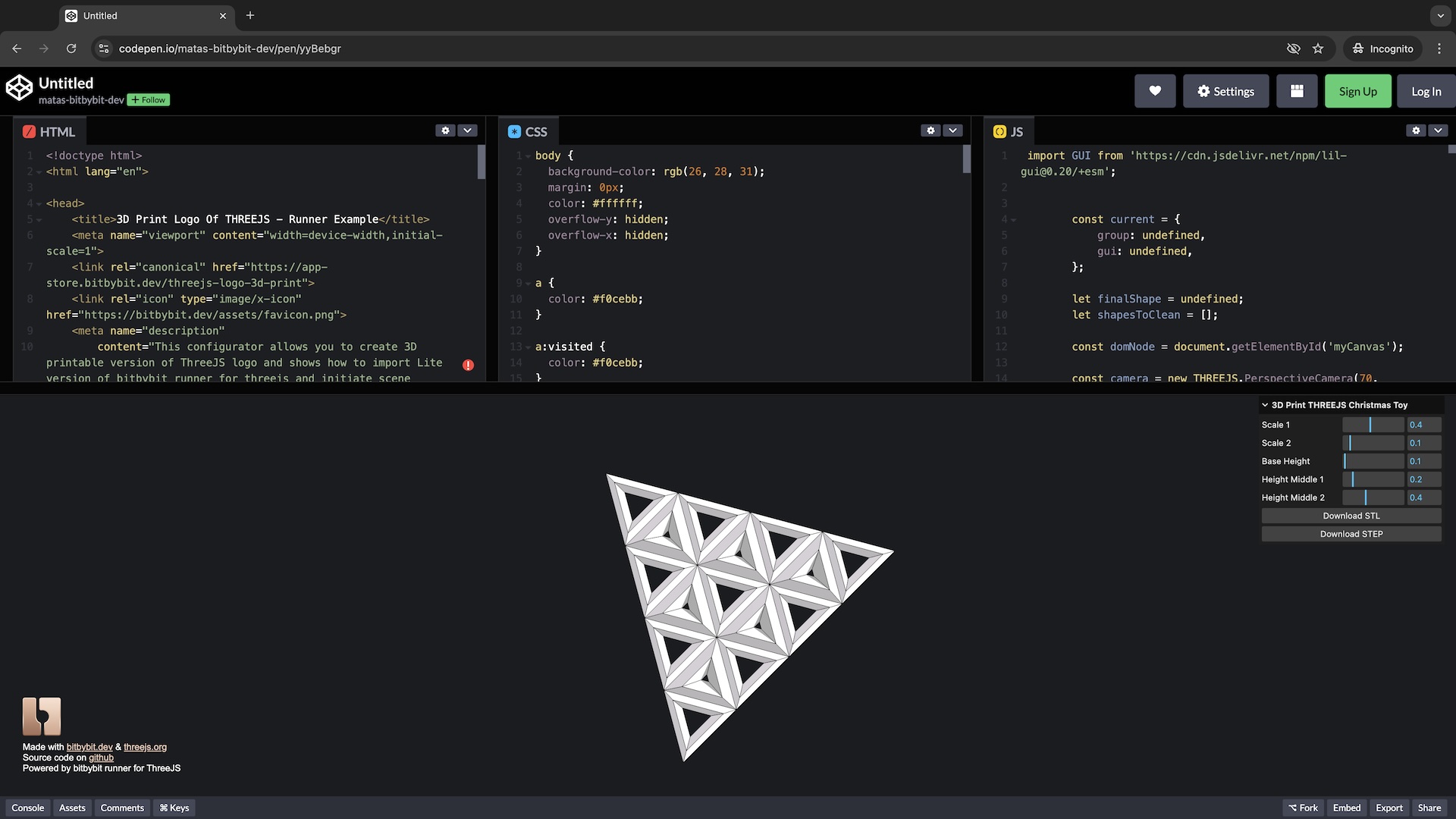 ThreeJS Runner on CodePen
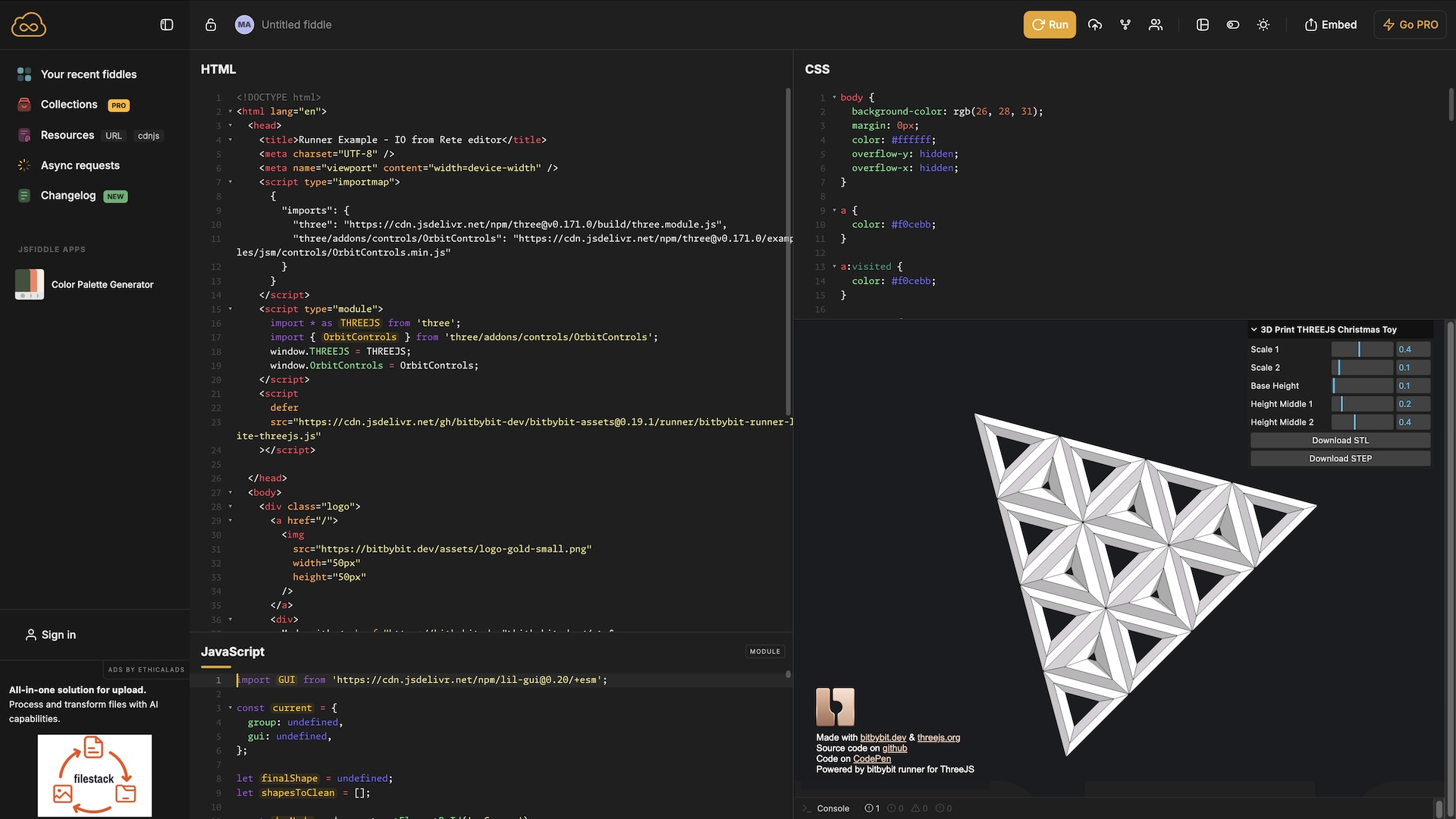 ThreeJS Runner on JSFiddle
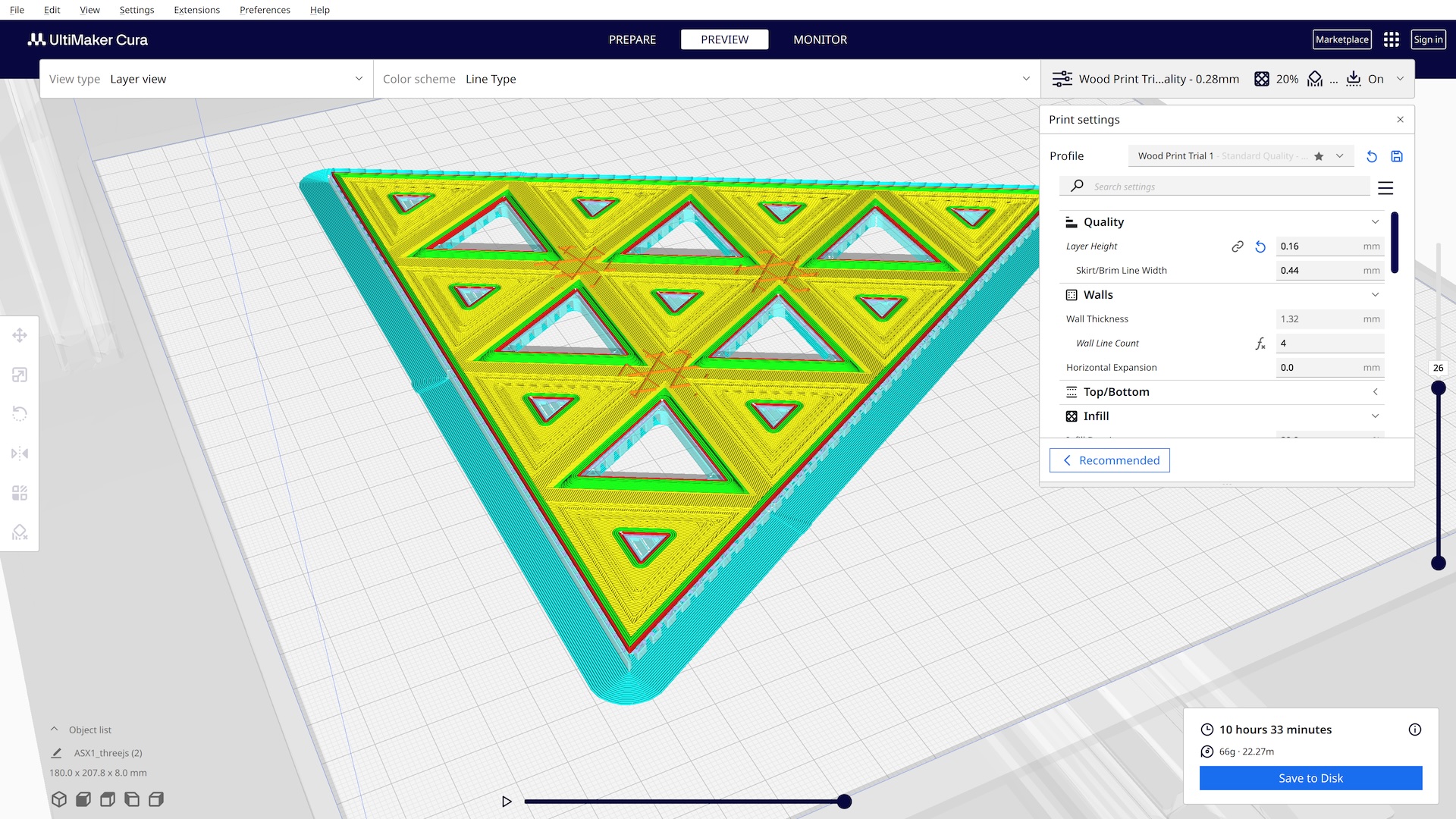
Another key feature of this configurator is its ability to save STL and STEP files, enabling you to manufacture a physical 3D model from your design. Tangible results bring the project to life! Check out this screenshot of the ThreeJS logo model loaded into Cura software-it's sliced and ready for 3D printing.
Overview of All Available Runners
Here's a summary of the Bitbybit Runners now available:
bitbybit-runner-babylonjs.js- This is our most powerful and feature-rich runner. It includes all necessary resources to run Bitbybit.dev scripts and the BabylonJS engine itself.
- If you don’t already have BabylonJS in your project, this is the recommended runner for BabylonJS-based experiences.
- It has the best support for scripts exported from our visual programming editors (Rete, Blockly) as these editors are natively built with BabylonJS.
- Among countless 3D algorithms, it's also capable of running Havok physics and other BabylonJS-specific features like GUI elements and advanced materials.
bitbybit-runner-lite-babylonjs.js- A smaller, lightweight version of the BabylonJS runner that does not include the BabylonJS engine.
- It expects the
windowobject to contain these global BabylonJS dependencies before initialization:BABYLON,GUI,LOADERS,MATERIALS,SERIALIZERS. Only then can this Lite runner initialize successfully. - Use this if BabylonJS is already loaded in your project.
bitbybit-runner-threejs.js- This runner is capable of executing all open-source Bitbybit.dev CAD algorithms within a ThreeJS environment. It bundles the ThreeJS game engine and OrbitControls in a single file.
- It can also execute visual scripts exported from our editors, as long as they do not contain any BabylonJS-specific logic.
bitbybit-runner-lite-threejs.js- A lightweight version of the ThreeJS runner that does not include the ThreeJS engine.
- It expects the
windowobject to contain these global ThreeJS dependencies before initialization:THREE(for ThreeJS itself) andOrbitControls(if you plan to use them via the runner's setup). Only then can this Lite runner initialize successfully. - Use this if ThreeJS is already loaded in your project.
bitbybit-runner-playcanvas.js(Added 2026)- This runner executes all open-source Bitbybit.dev CAD algorithms within a PlayCanvas environment. It bundles the PlayCanvas engine in a single file.
- Optimized for high performance and mobile devices.
- Can also execute visual scripts exported from our editors, as long as they do not contain BabylonJS-specific logic.
bitbybit-runner-lite-playcanvas.js(Added 2026)- A lightweight version of the PlayCanvas runner that does not include the PlayCanvas engine.
- It expects the
windowobject to contain thepc(PlayCanvas) global before initialization. - Use this if PlayCanvas is already loaded in your project.
How BabylonJS, ThreeJS, and PlayCanvas Runners Differ
All three runner families (BabylonJS, ThreeJS, and PlayCanvas) can execute all of our open-source 3D modeling algorithms and interact with our CAD kernels (OCCT, JSCAD, Manifold). The primary differences are related to the game engines themselves and their specific features:
- Visual Script Compatibility: If you are looking to export and run scripts created with our visual programming editors (Rete, Blockly) on the Bitbybit.dev website, you will generally have more success and feature parity with the BabylonJS runner. Our visual editors are natively based on BabylonJS. Thus, if your scripts use specific BabylonJS features (like our built-in skyboxes, GUI elements, Havok physics integrations, specific BabylonJS materials, etc.), you should use a BabylonJS runner.
- Error Handling for Visual Scripts in ThreeJS and PlayCanvas Runners: The ThreeJS and PlayCanvas runners will also attempt to run visual scripts exported from Bitbybit.dev. However, if they encounter BabylonJS-specific logic, they will throw an error as those features are not available in their contexts. That said, if you limit your visual coding to only contain 3D modeling-related features (CAD operations, basic geometry, etc.) without engine-specific rendering features, then your scripts should execute just fine with any of the three runners.
- Direct JavaScript Coding: If you are simply writing Bitbybit.dev logic directly in JavaScript (not exporting from visual editors), then any of these runners (BabylonJS, ThreeJS, or PlayCanvas, full or Lite) will work well for you for the core CAD functionalities.
- Bundle Size & Performance:
- The BabylonJS runner is generally the largest due to its comprehensive feature set.
- The ThreeJS runner offers a good balance of features and size.
- The PlayCanvas runner is optimized for performance and smaller bundle sizes, making it ideal for mobile-first applications.
- The Lite versions are much smaller for all three engines.
- Engine-Specific Strengths:
- BabylonJS: Best for projects requiring physics (Havok), GUI elements, and maximum compatibility with visual scripts.
- ThreeJS: Excellent for projects already using ThreeJS or needing its vast ecosystem.
- PlayCanvas: Perfect for high-performance applications, mobile optimization, and game development.
No matter your preference, we love all three of these incredible game engines, and we are excited to see what you will create with them using Bitbybit.dev!
Where to Find the Runners
We are serving the Bitbybit Runners from the Bitbybit CDN. You can include them in your website with the following script tags. Remember to replace <version-number-of-bitbybit> with the actual version you intend to use.
For production applications requiring maximum reliability and control, consider self-hosting the runners and assets on your own infrastructure.
bitbybit-runner-babylonjs.js(Full BabylonJS runner)<script src="https://git-cdn.bitbybit.dev/v<version-number-of-bitbybit>/runner/bitbybit-runner-babylonjs.js"></script>bitbybit-runner-lite-babylonjs.js(Lite BabylonJS runner - BabylonJS must be loaded separately)<script src="https://git-cdn.bitbybit.dev/v<version-number-of-bitbybit>/runner/bitbybit-runner-lite-babylonjs.js"></script>bitbybit-runner-threejs.js(Full ThreeJS runner)<script src="https://git-cdn.bitbybit.dev/v<version-number-of-bitbybit>/runner/bitbybit-runner-threejs.js"></script>bitbybit-runner-lite-threejs.js(Lite ThreeJS runner - ThreeJS must be loaded separately)<script src="https://git-cdn.bitbybit.dev/v<version-number-of-bitbybit>/runner/bitbybit-runner-lite-threejs.js"></script>bitbybit-runner-playcanvas.js(Full PlayCanvas runner) (Added 2026)<script src="https://git-cdn.bitbybit.dev/v<version-number-of-bitbybit>/runner/bitbybit-runner-playcanvas.js"></script>bitbybit-runner-lite-playcanvas.js(Lite PlayCanvas runner - PlayCanvas must be loaded separately) (Added 2026)<script src="https://git-cdn.bitbybit.dev/v<version-number-of-bitbybit>/runner/bitbybit-runner-lite-playcanvas.js"></script>
Note: You should replace <version-number-of-bitbybit> with an actual version number (e.g., <Version />). You can find all the official versions of Bitbybit.dev here:
➡️ Bitbybit.dev GitHub Releases
Examples of the Runners
It can be hard to guess how runners can be used in practice, which is why we provide you with actual, working examples. We create projects that fit within a single index.html file, which you can simply open in your browser directly from your file system. This approach doesn't even require you to run a local server on your computer. That’s the true power of the web!
➡️ Explore Example Use Cases of BabylonJS, ThreeJS & PlayCanvas Runners on GitHub
This GitHub repository contains examples that use both the full and Lite runners for all three game engines. We also provide examples on how to initialize BabylonJS, ThreeJS, or PlayCanvas scene objects outside the context of the runner. This approach allows Bitbybit Runners to work more harmoniously with third-party tools or existing projects that already manage their own game engine instances (e.g., integrating with A-Frame, custom ThreeJS setups, or PlayCanvas Editor projects).
Initiating scene objects inside the runner (letting the runner create the default scene) is also possible and is often simpler, though it offers less fine-grained control if you have a complex existing setup.
We hope these updated runners provide even more flexibility and power for your 3D web projects!