2 posts tagged with "Designer"

The Designer, Bitbybit's interactive parametric CAD modeller for parts and assemblies, where people and AI agents work in the same document.

View All Tags

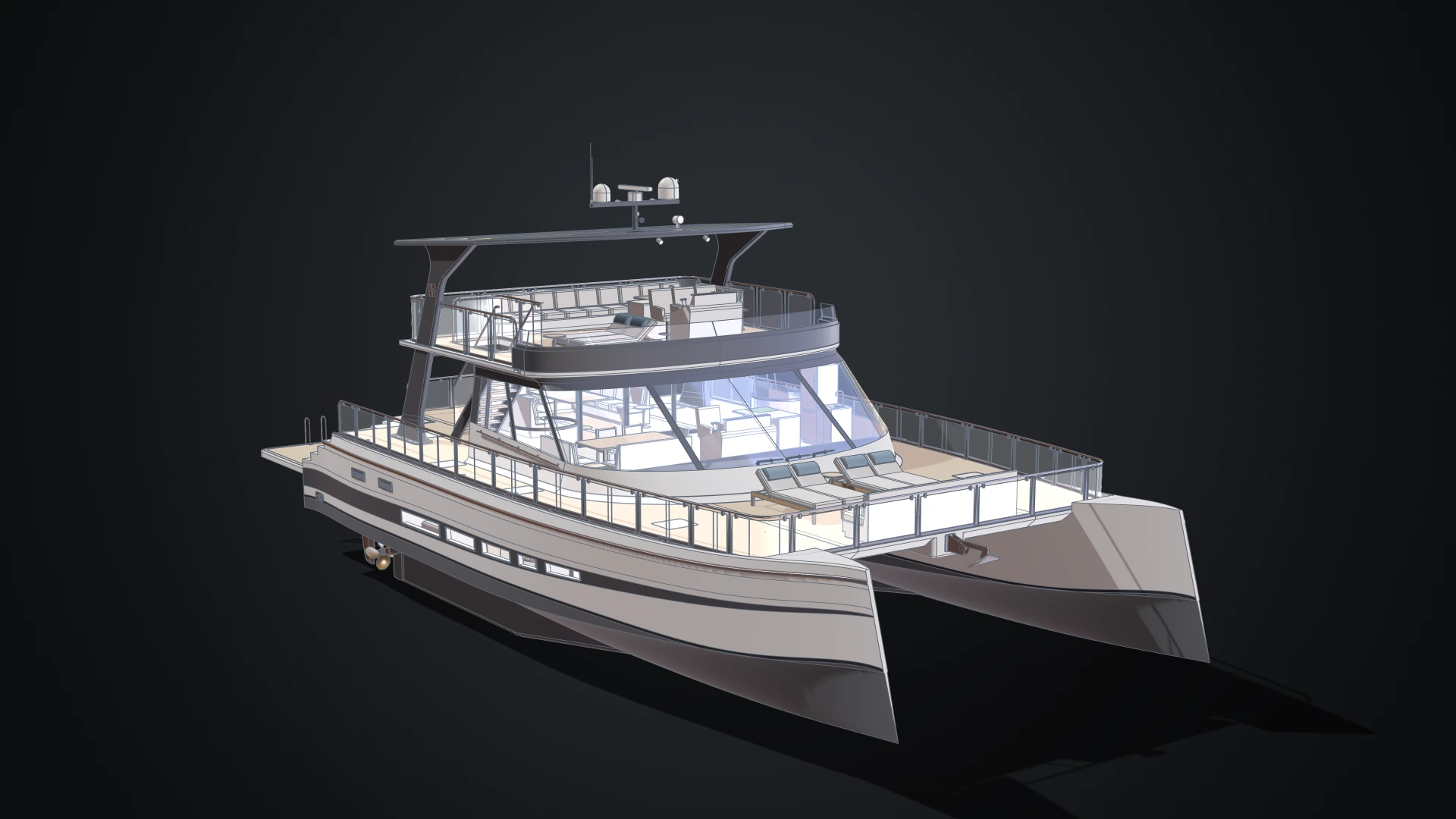
Two Numbers, 25 Sizes: Designing a Parametric Catamaran in the Bitbybit Designer v1.6

· 12 min read

The 20 metre catamaran in the Designer, seen low off its bow: two axe bows with a wide tunnel between them, a foredeck with sun beds, a glazed saloon with its furniture showing through, and a flybridge under a hardtop on two carbon fins

Give the Bitbybit Designer two numbers, a length and a beam, and it rebuilds a luxury power catamaran from the hull lines up: decks, cabins, engines, rails, stairs and furniture. The smallest boat, at 15 metres, seats 24 guests and the largest, at 25, seats 60. There are 25 named sizes, and none of them is a scaled copy of another, because the things people touch stay at the size people need.

The boat is 61 design documents and 3,011 features, the most parametric model we have shown in the Designer. It is also a good way to show what arrived in Bitbybit v1.6: a standard parts library, parameters you can play, better ways to see into a large assembly, and a view that stays comfortable at 20 metres.
Introducing the Designer: Interactive Parametric CAD, Built for People and Agents

· 10 min read
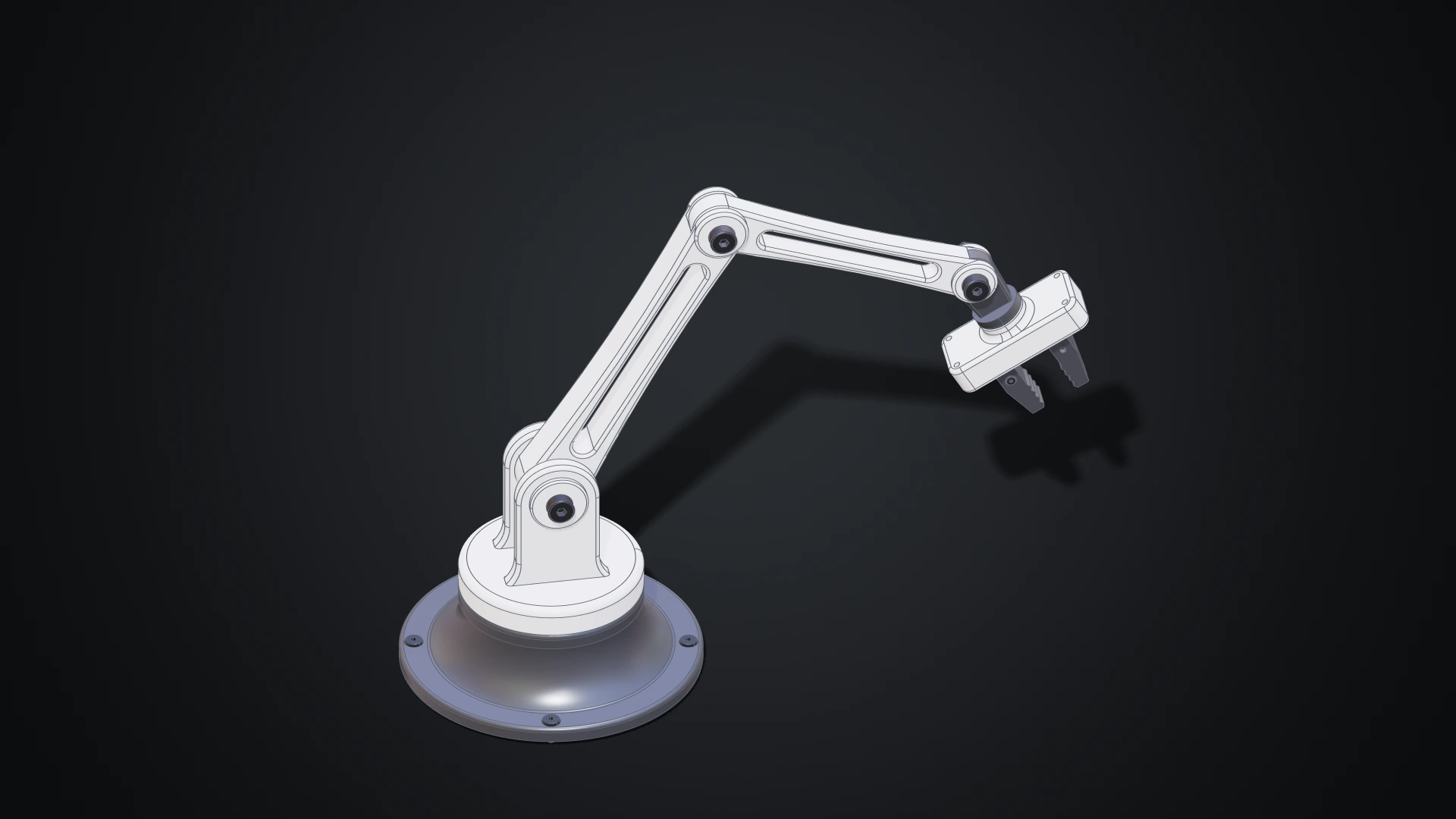
The desk robot arm modelled in the Designer, in white and dark grey: a revolved base with four screws, a shoulder with a clevis, two links with lightening windows, a wrist and a gripper with two jaws

Until now, making geometry on Bitbybit meant writing it: wiring nodes in Rete, snapping blocks in Blockly or typing TypeScript. Those editors shine when a model is a program, a family of parts generated from a few numbers. But a lot of design isn't programming. You want to draw a profile, pull it into a solid, round an edge, drill four holes and see the result straight away.

The Designer is our answer: a parametric CAD modeller you use with the mouse, in your browser. Draw a sketch, extrude it, fillet it, drill it, then put parts together with joints and pose the assembly. Every step is kept, so changing a size later rebuilds everything that depends on it. The Bitbybit OCCT Kernel does the modelling on your own machine, so there is nothing to install. And because the Designer was built for AI agents as much as for people, an agent can work in the same document beside you, while you keep or undo each of its changes.